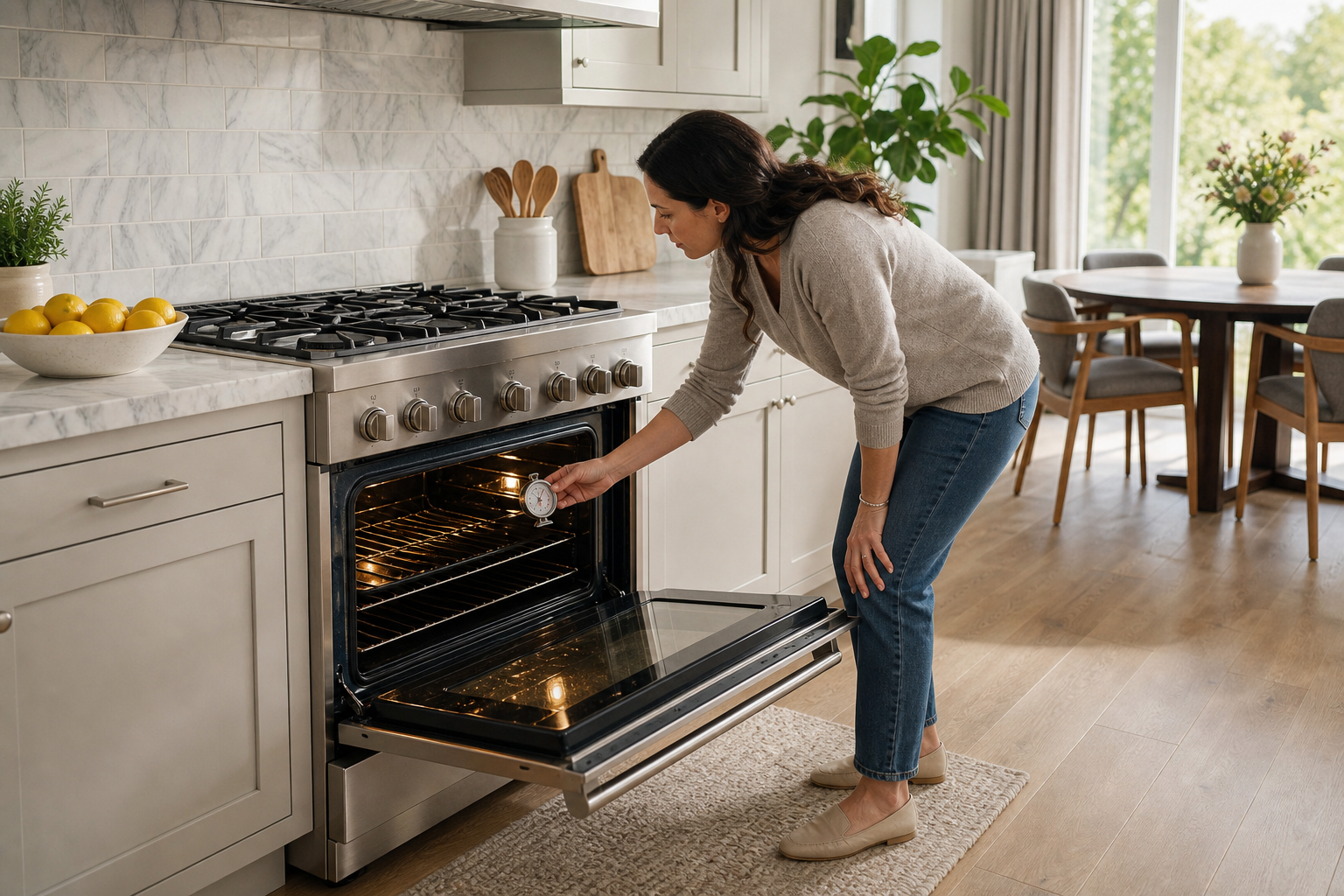
F3 on an LG range: touch pad sensor key error. Owner steps from the manual, then service if it persists.
Model compatibility: LG reuses codes across series and model years, so LG F3 may mean something different on another appliance or generation. Confirm this against your model’s documentation and record your full model number before acting.
Plain language
What this error means
F3 indicates a touch pad sensor key error.
LG range error F3 is defined as touch pad sensor key error.
At a glance
Code
LG F3
What it means
F3 indicates a touch pad sensor key error.
What you can check
Turn the breaker off, count out 30 seconds, then turn it on and test the touch pad again.
When to call a technician
If F3 persists, or you cannot do the reset, the range needs service.
Try this
Turn the breaker off. Count 30 seconds. Turn it on.
Steps not possible, or no luck? The range needs service, says the manual.
Applies to
Scope: range and oven, any series, since none is specified.
Front induction burner temperature sensor error: F33
Range repair near you
Living in the Miami, New York, Houston, Los Angeles or San Diego metro area? Call (844) 703-4955 about your LG range. Keep the model number, F3 and your reset attempts nearby. Learn about range repair.
Important safety warning. Do not attempt repairs involving electrical components, gas, water lines, refrigerant or sealed systems. Unplug the appliance if it is safe to reach the outlet, and leave internal diagnostics to a qualified technician.
Seeing this code on your LG appliance?
Book a specialist visit for a clear estimate and approval before any repair.
Request Range Repair for LG equipment with repeat symptoms, diagnostic codes, performance problems, or model-specific issues. Start with the issue you can verify.